Exact tools for mouldings.diagrams.arches.parking.plans.
Tools that draw the way architects think — exact geometry, nothing guessed, made for people who build.
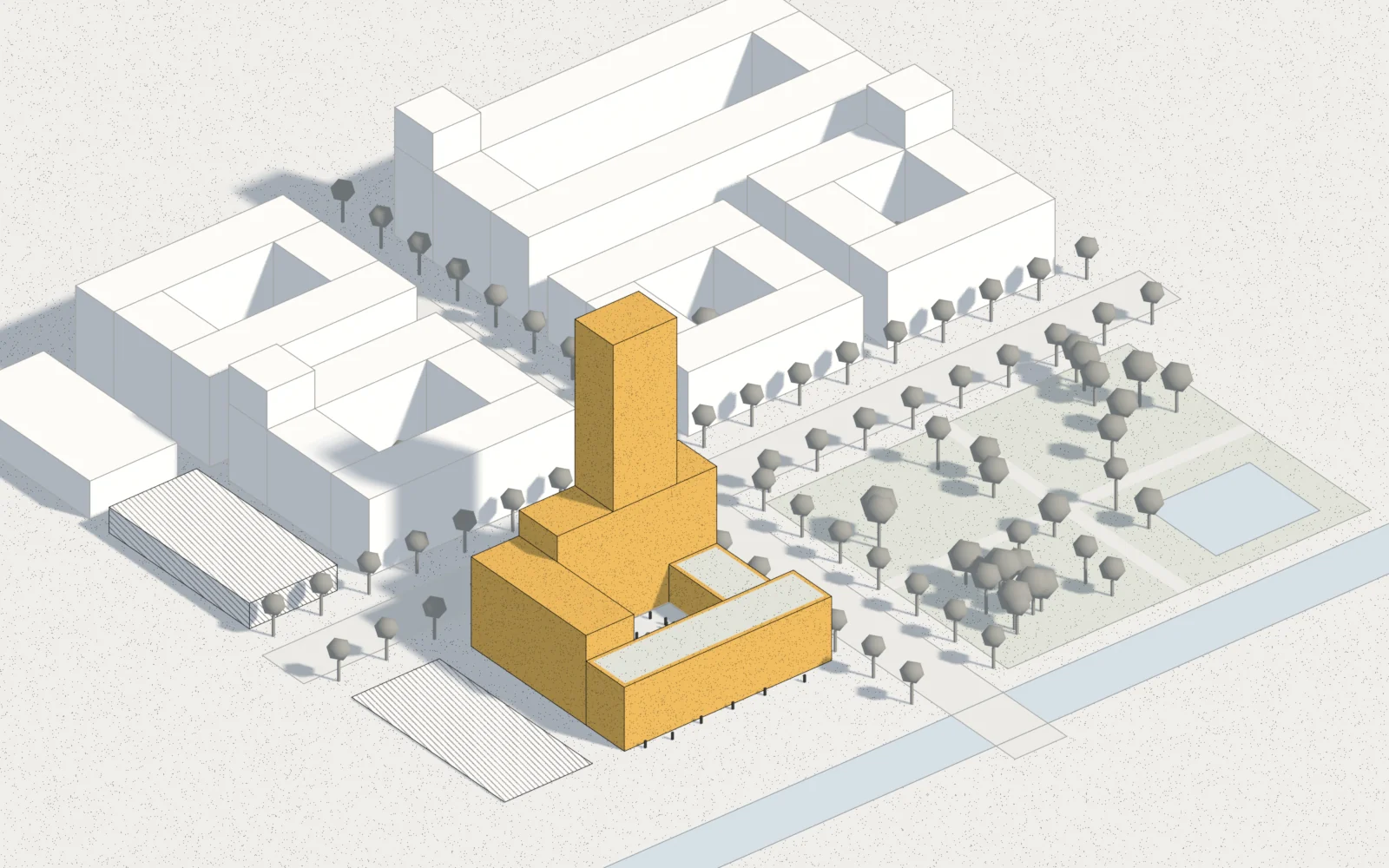
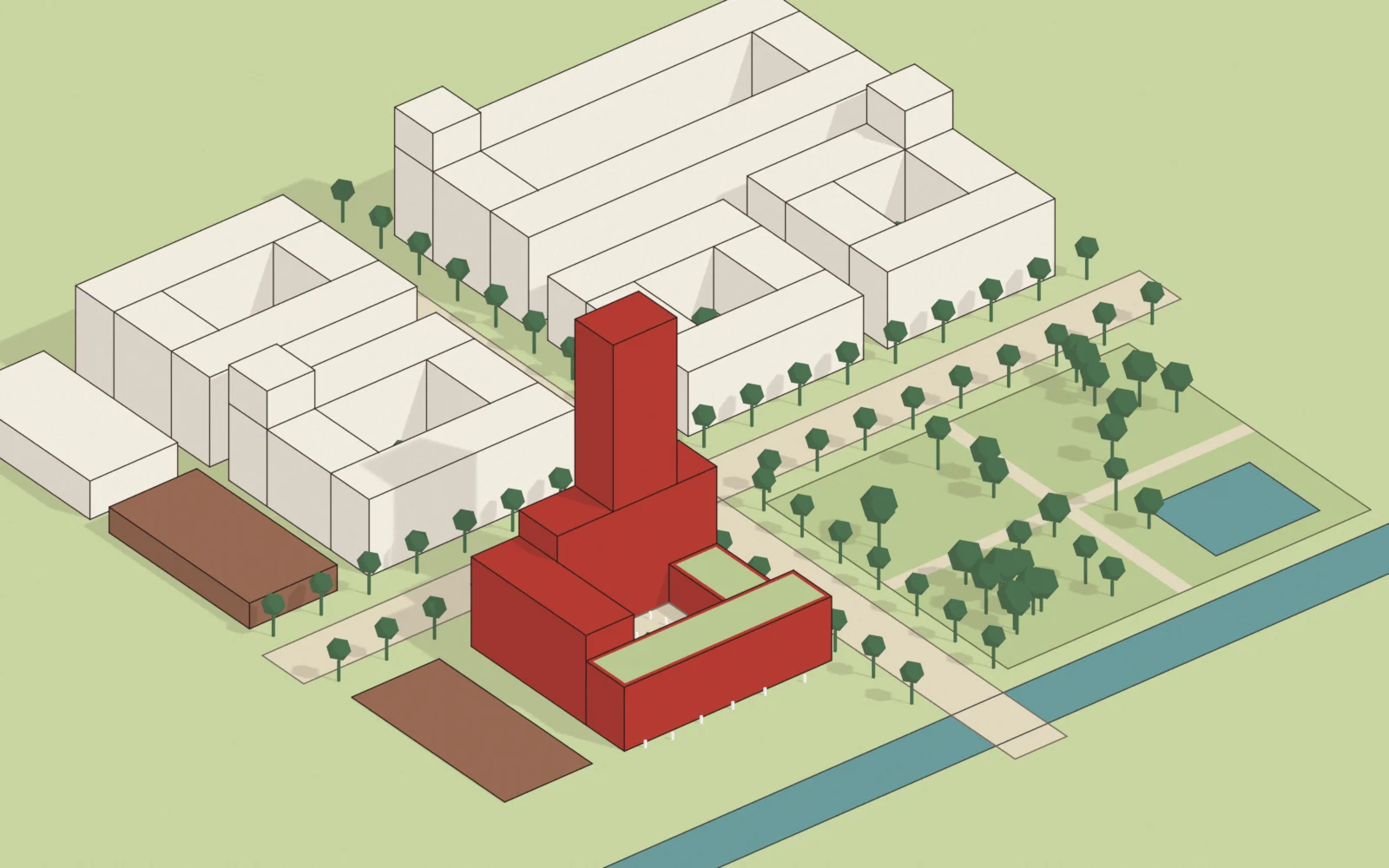
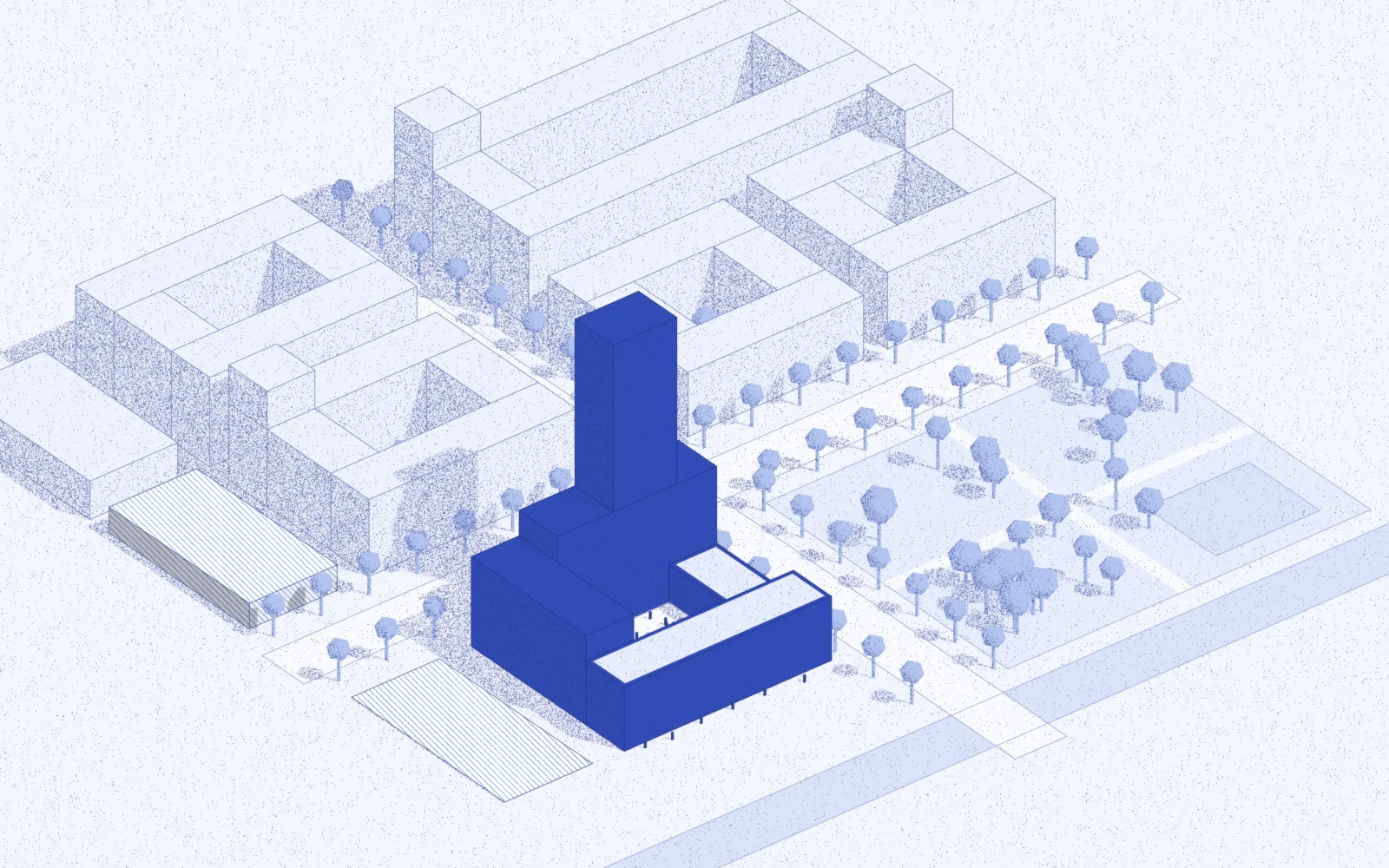
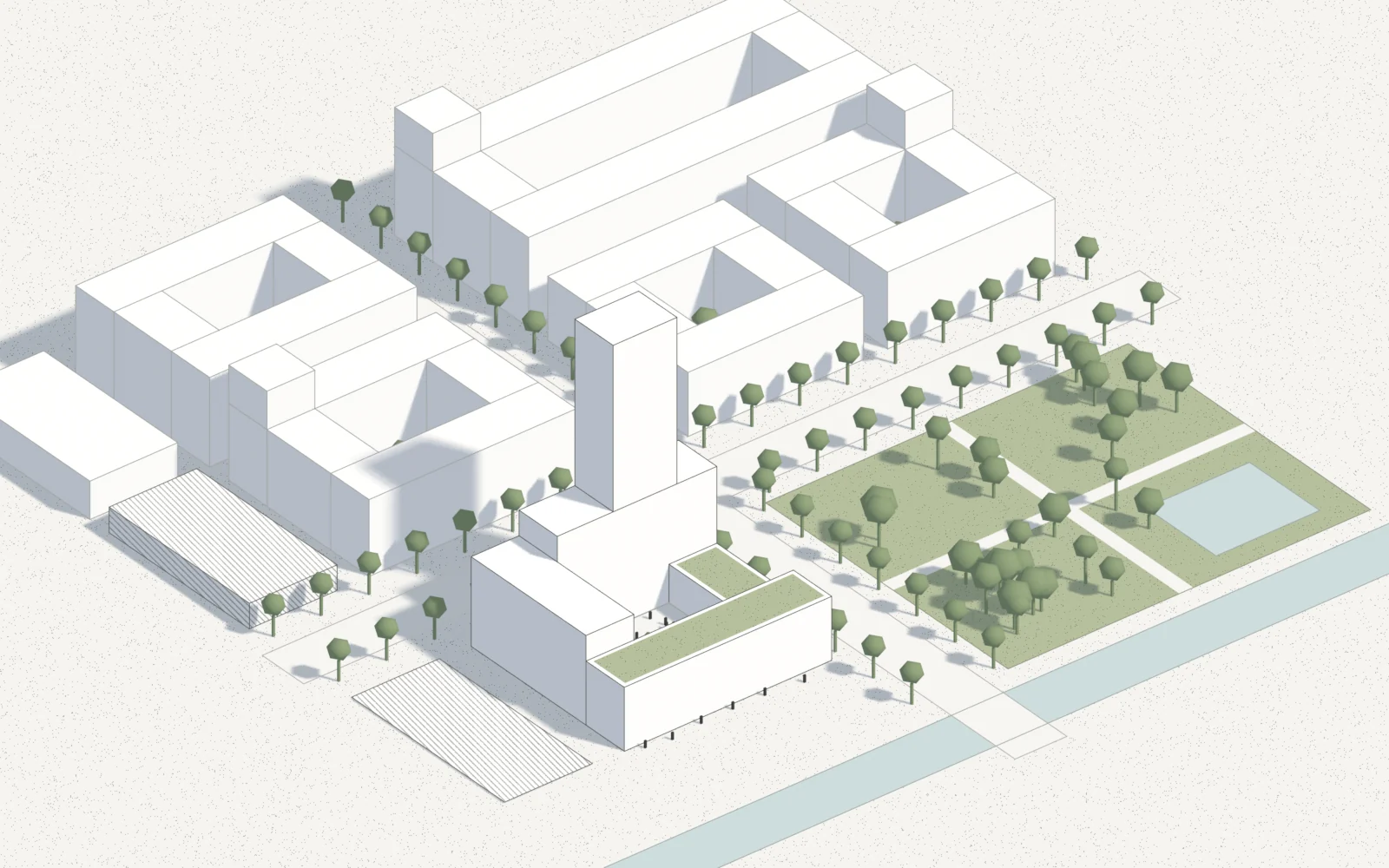
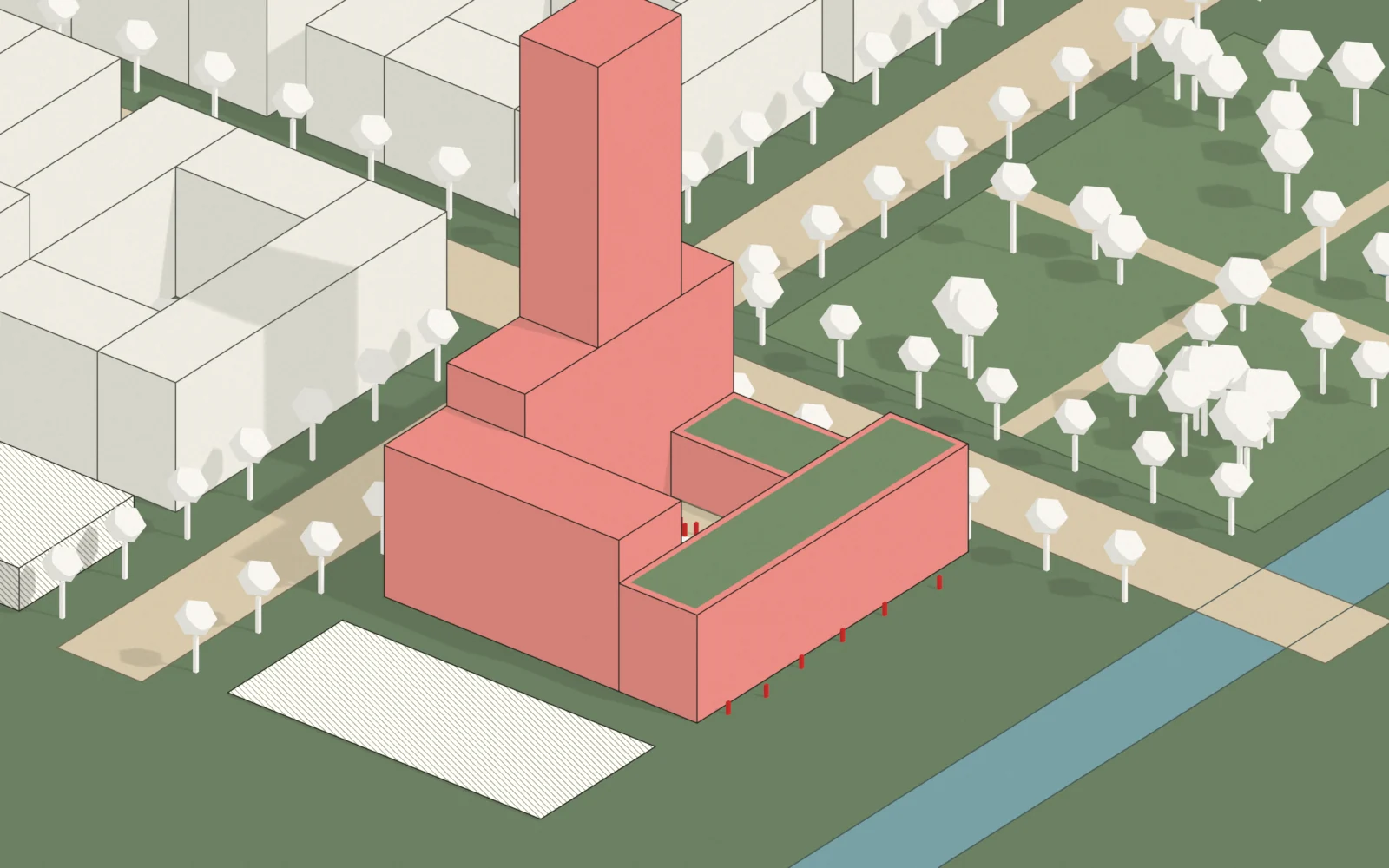
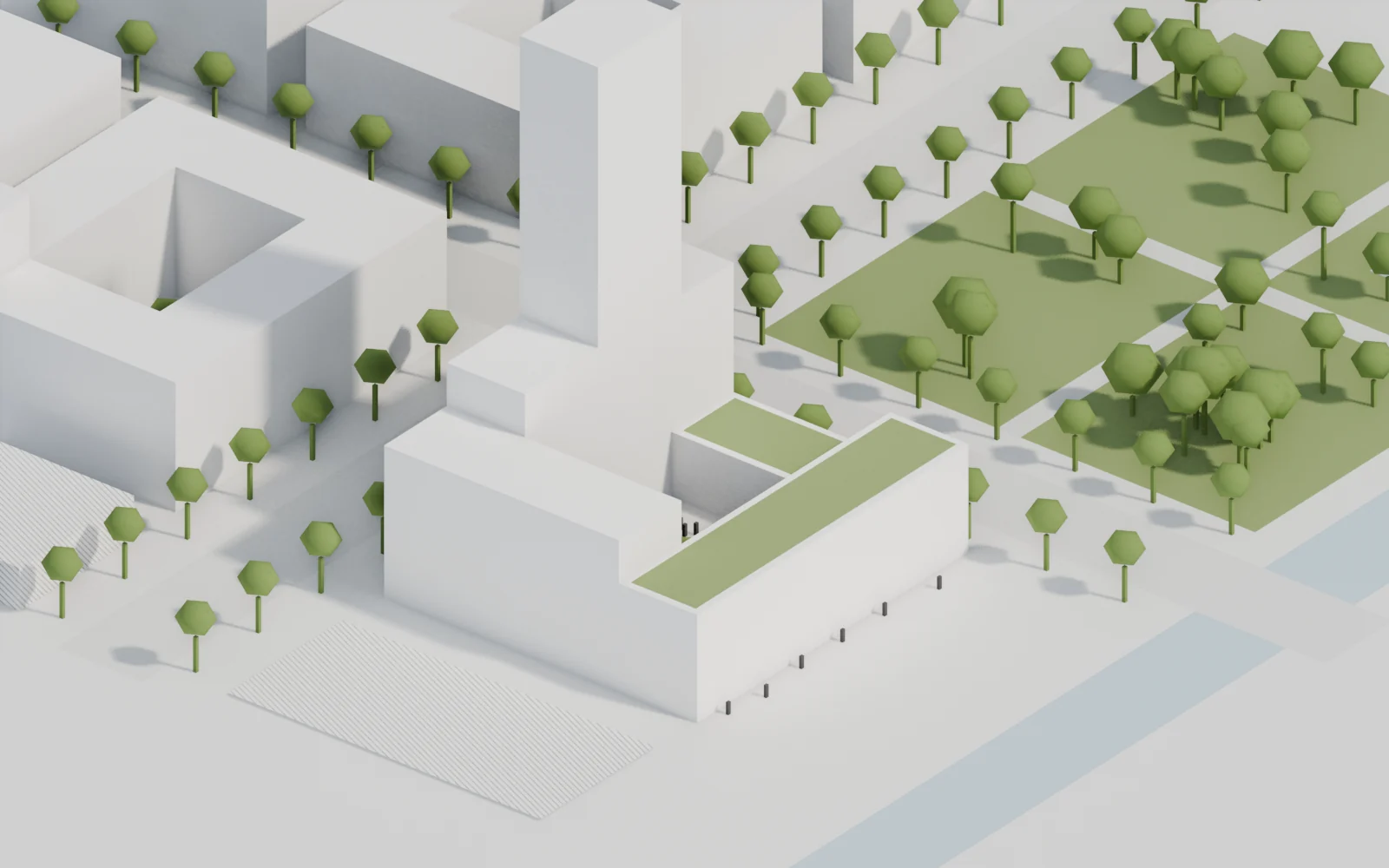
Real BZ Render 0.7 output · one SketchUp model, six looks
The BZ tools
SketchUp extensions and design apps, sharing one clean look and one rule: your geometry stays exactly as you drew it.
BZ EDGEFORM
Fillet, chamfer and classical mouldings along any edges — like Follow Me, without drawing the profile. Draw your own in My profiles.
See BZ EDGEFORM → BZ RENDER
Turns SketchUp models into stylised architectural diagrams — axonometric massing, bold linework, halftone and hatch textures — rendered by Blender in the background, without leaving SketchUp.
See BZ RENDER →BZ ARCH
24 arch styles — Classical, Gothic, Indian and Islamic — fitted onto any wall face, as cut-throughs, niches or full arcades.
Notify me →BZ LATHE
Spin stacked classical profiles into vases, finials and balusters in seconds.
Notify me →BZPARK
Parking layouts for open sites and basements from your DXF — bay angles, EV and two-wheeler bays, cost estimate, DXF back out.
Request early access →BZPLAN
Turn a CAD floor plan into a presentation-ready plan — styled by layer, with the drawing exactly as drawn.
Notify me →Same model. Another story.
Drag across to switch between two BZ Render styles of the same SketchUp model.
Built for the drawing, not the demo.
Exact geometry
Every tool checks its result before it touches your model, and rolls back cleanly if anything would break.
Architectural libraries
Classical moulding charts, world arch styles and real parking standards — ready to use, and editable.
Light files
Clean, efficient geometry that keeps big SketchUp and CAD models fast.
An architect who builds tools.
BZEESOL was born at the drawing board — a small, independent studio started by a practising architect who got tired of waiting for better tools. Every BZ app solves a real problem from real projects, designed with the same care you'd give a building: clear, purposeful and built to last.
Questions
Where do I buy the SketchUp extensions?
On the SketchUp Extension Warehouse, which handles checkout, licensing and updates inside SketchUp.
How do I get BZPARK and BZPLAN?
Directly from this site. For early access, write to support@bzeesol.com.
Which SketchUp versions are supported?
Supported versions will be listed at launch. If you need a specific version, write to support@bzeesol.com.
How much do the tools cost?
Pricing will be announced at launch. For studio, student or early-access enquiries, write to support@bzeesol.com.
Be first to try new tools.
Launch news, betas and new profiles. No spam.
Questions? support@bzeesol.com