Tag-based roles
Put groups on tags like BZ_Hero, BZ_Context, BZ_Landscape, BZ_Road or BZ_Water — or just name them Grass, Road, Water. Whatever you select renders as the hero.
Diagram renders, not photo renders.
Turn a SketchUp model into a clean architectural diagram — axonometric massing, bold linework, halftone and hatch textures. Blender renders it in the background; you never leave SketchUp.
Version 0.7 · SketchUp 2020 and later · Windows · needs Blender (free)
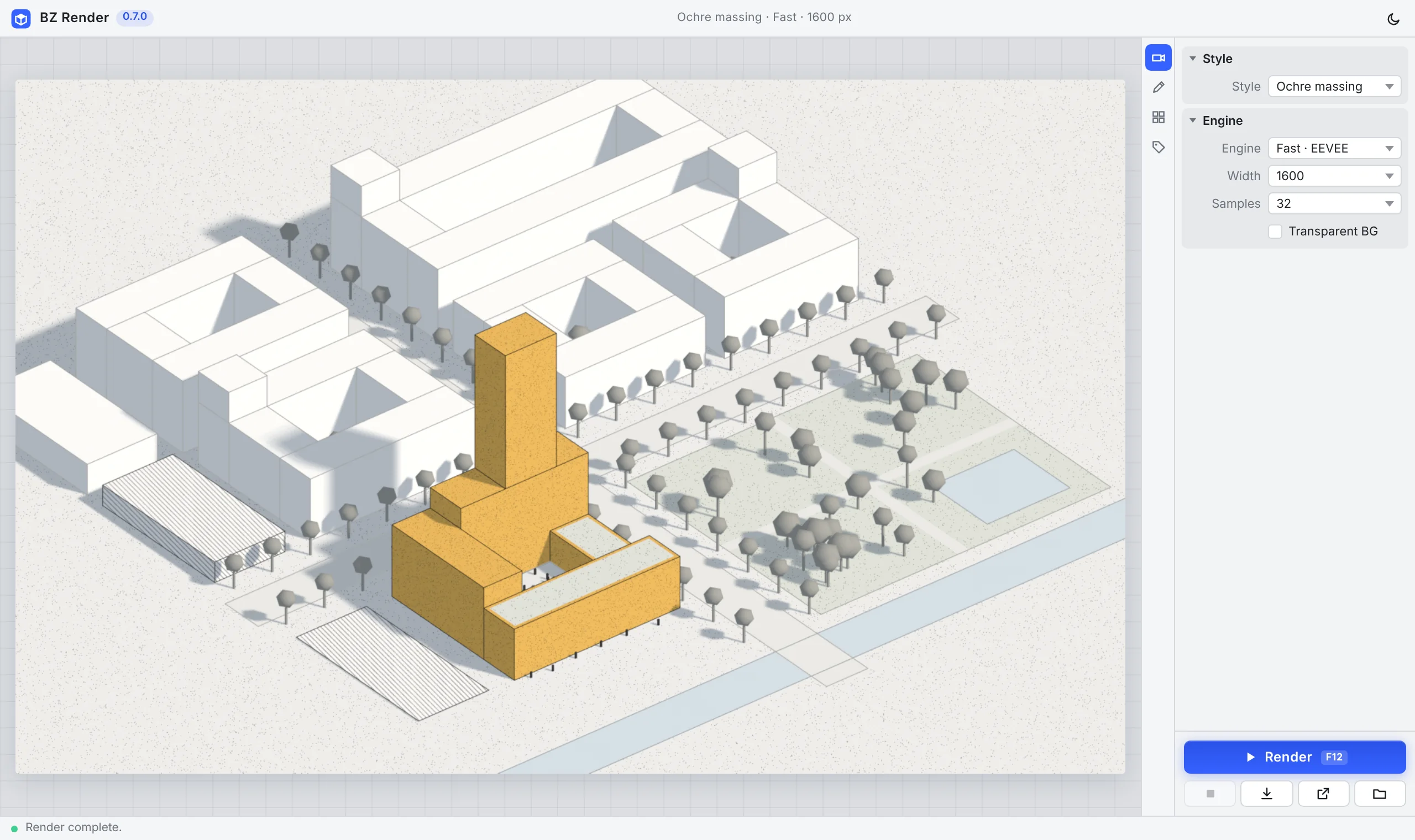
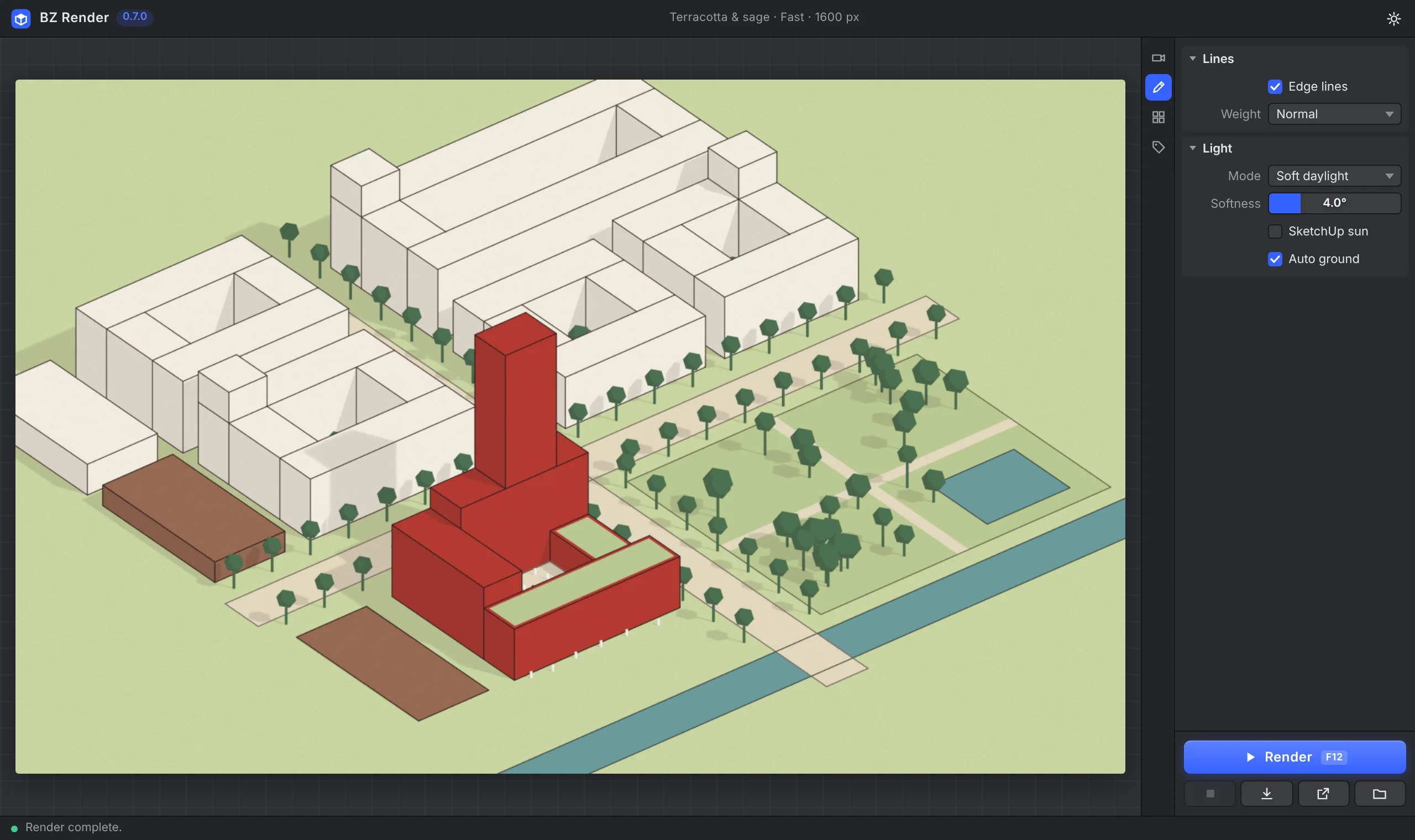
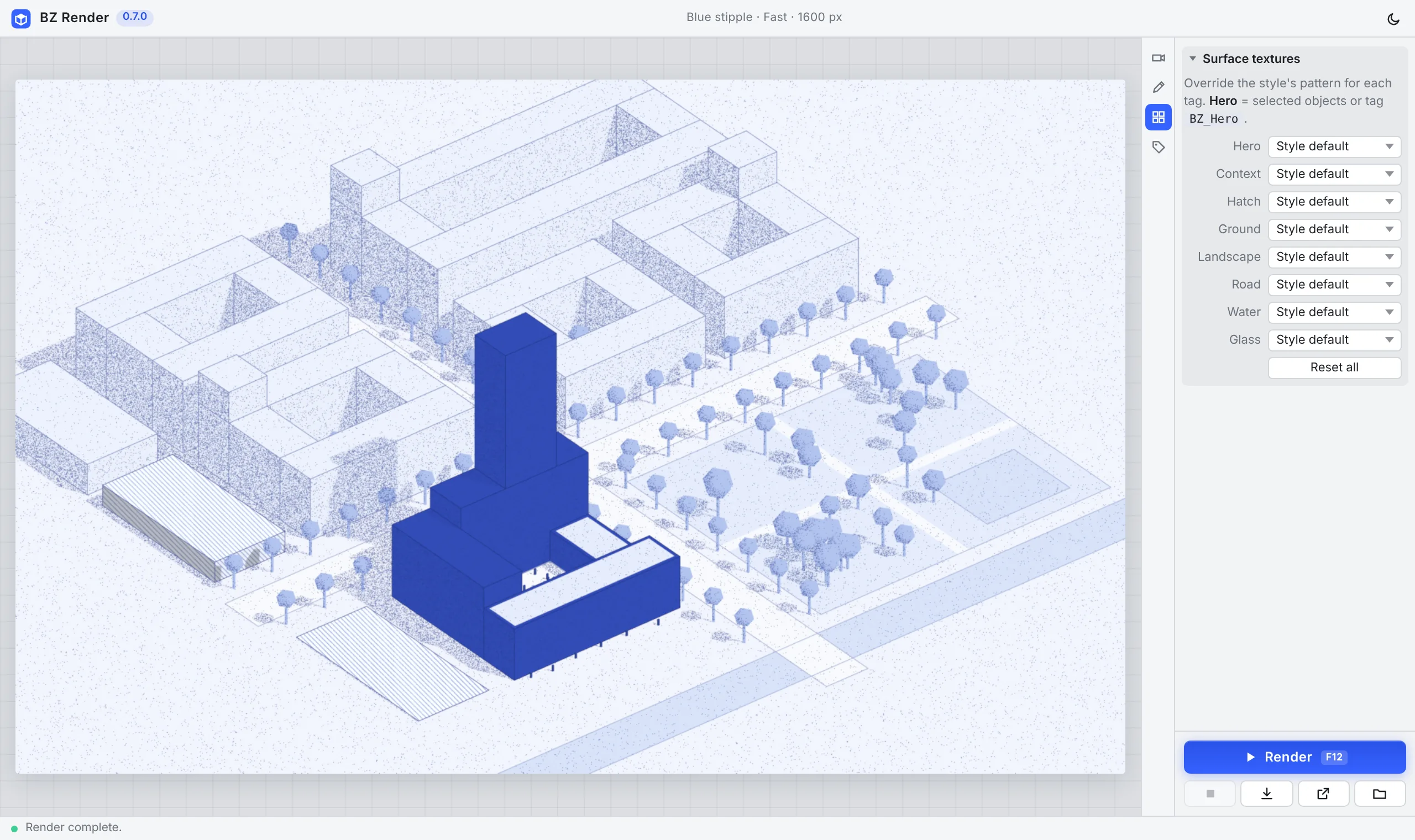
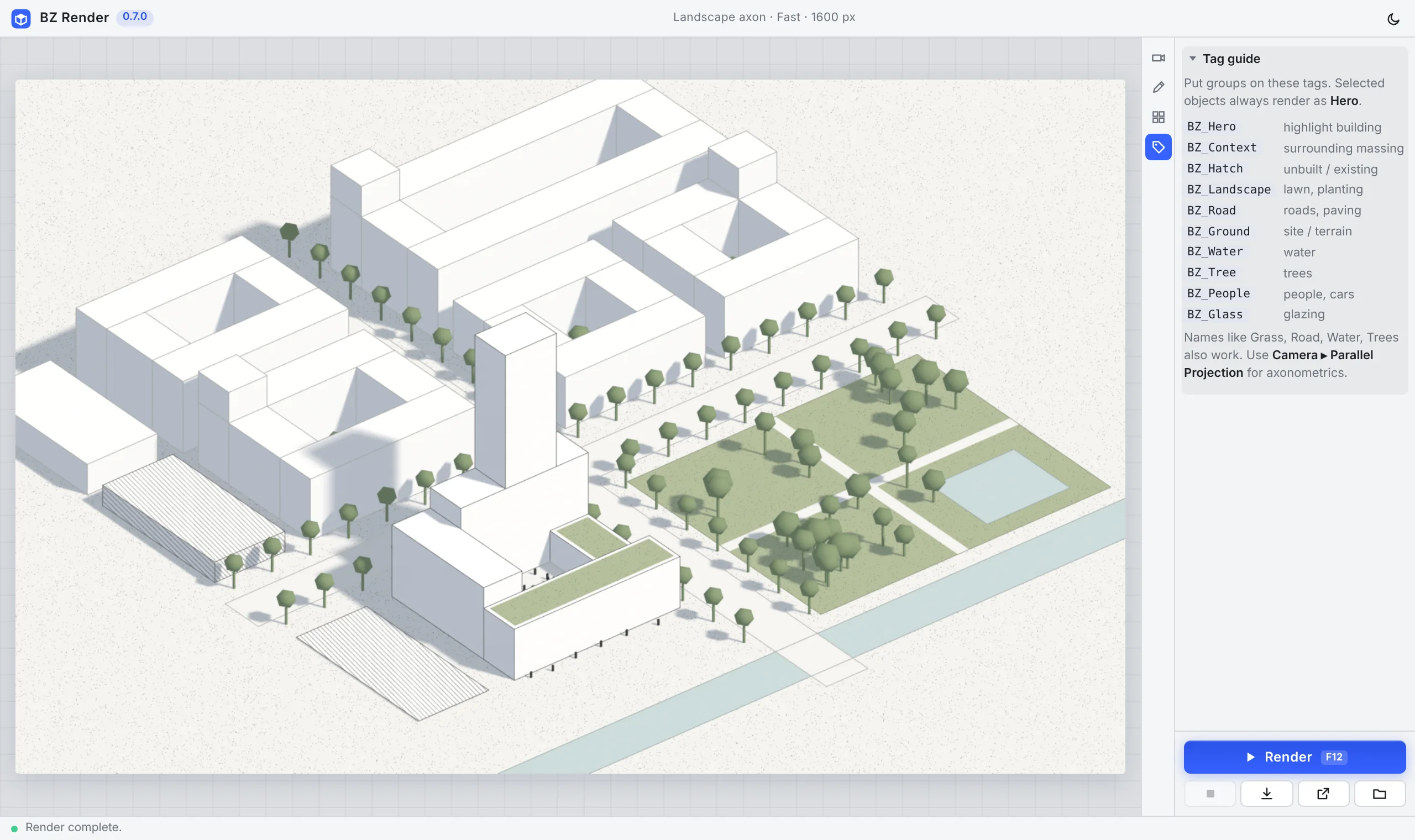
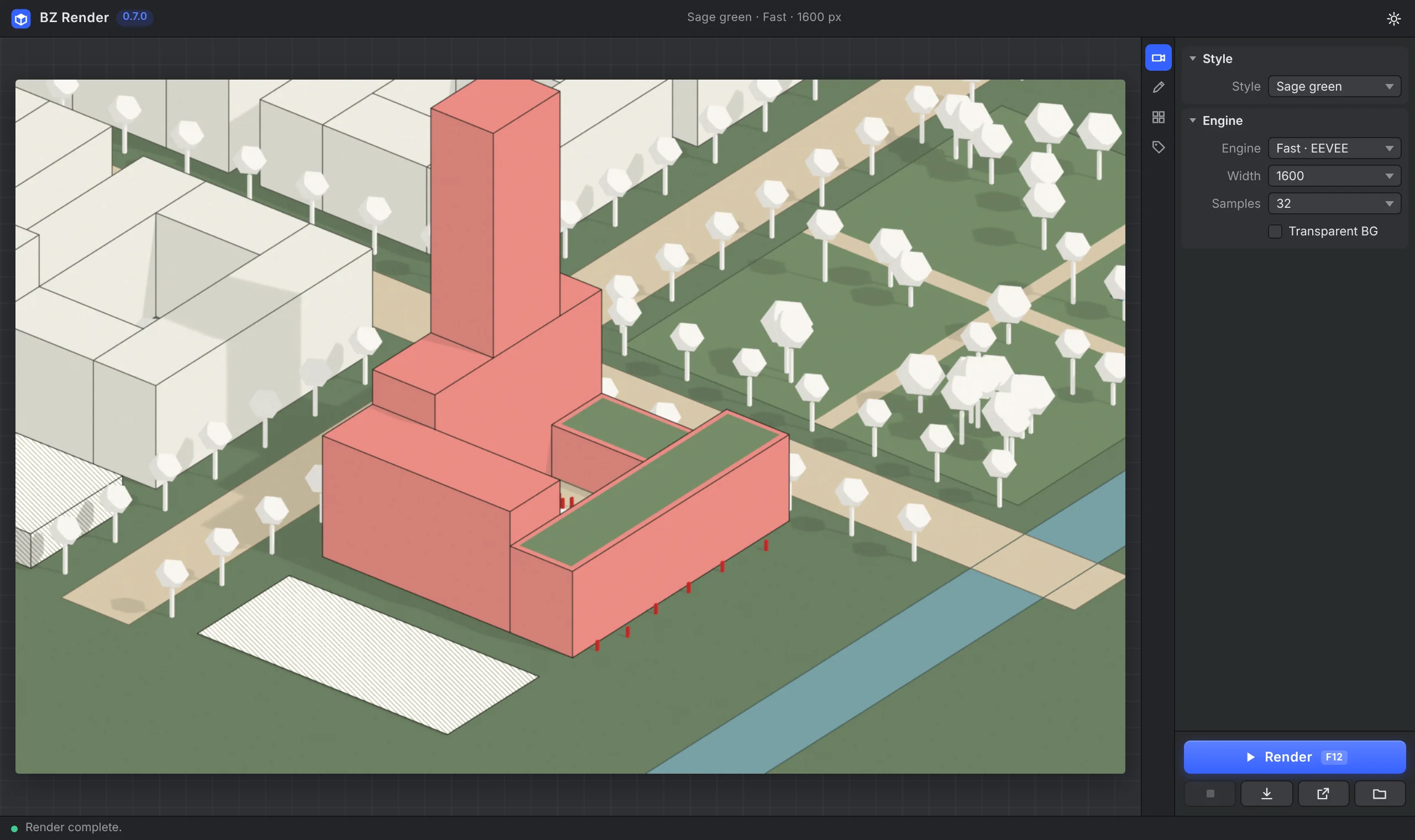
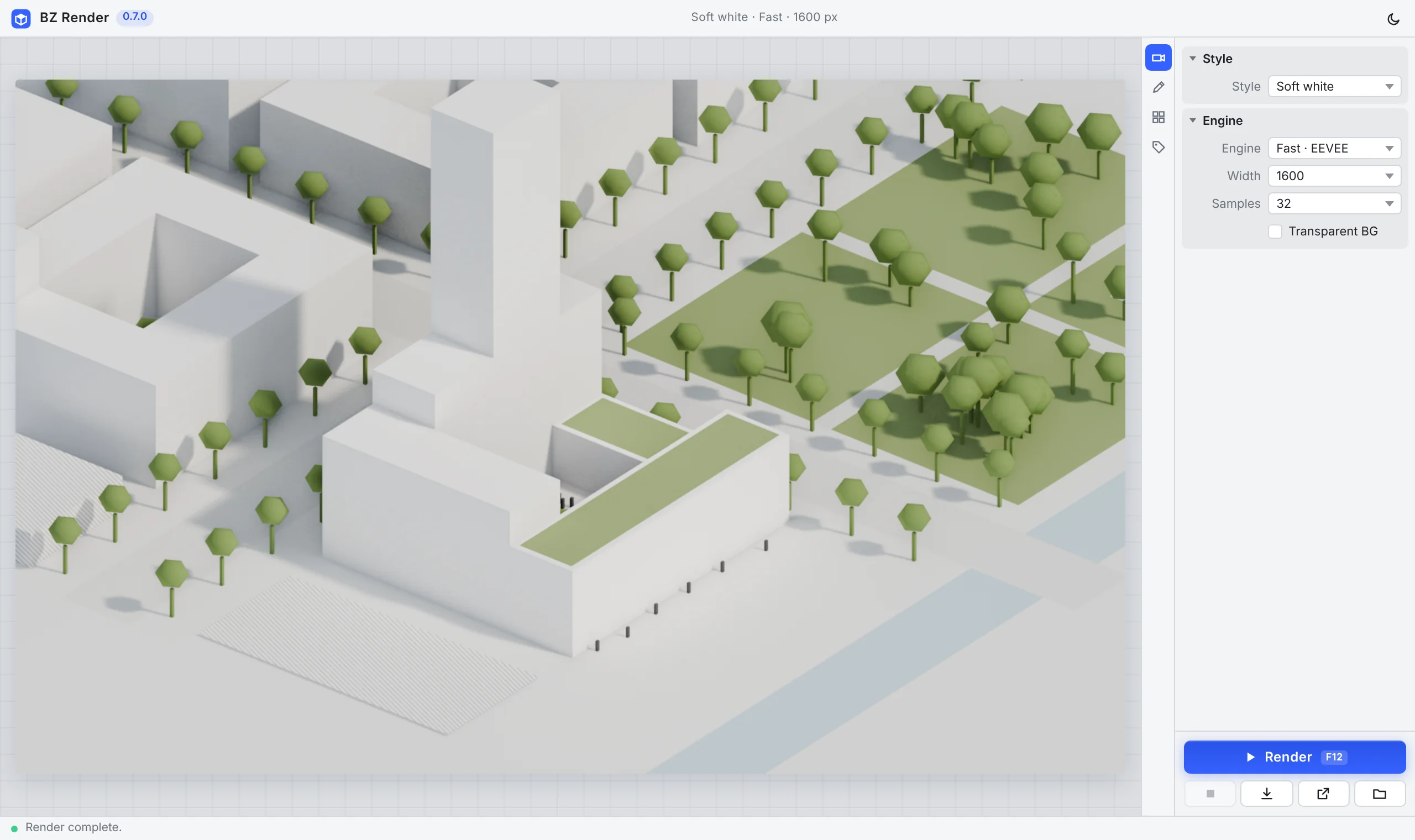
The real BZ Render 0.7 panel · sample model
SketchUp exports the geometry and edges, Blender renders them hidden in the background, and the finished PNG appears back in the BZ Render panel.
Put groups on tags like BZ_Hero, BZ_Context, BZ_Landscape, BZ_Road or BZ_Water — or just name them Grass, Road, Water. Whatever you select renders as the hero.
SketchUp's own hard edges are drawn as constant-width ink lines, from hairline to heavy, in every style.
Fast uses Blender EEVEE; Quality uses Cycles on your GPU or CPU. A built-in Preview renders simple models with no Blender at all.
Flat, speckle, halftone stipple, hatch, cross-hatch, dot screen, concrete, brick, timber, paving, grass and gravel — set for each role.
Soft daylight or crisp diagram light, with a shadow-softness control. The camera range is fitted automatically so shadows land right.
A compact panel with dark and light themes, remembered settings, F12 to render and Esc to cancel. On Windows, Blender runs with no console window.
The same sample city-block model, rendered with BZ Render 0.7. Change the style, press F12.
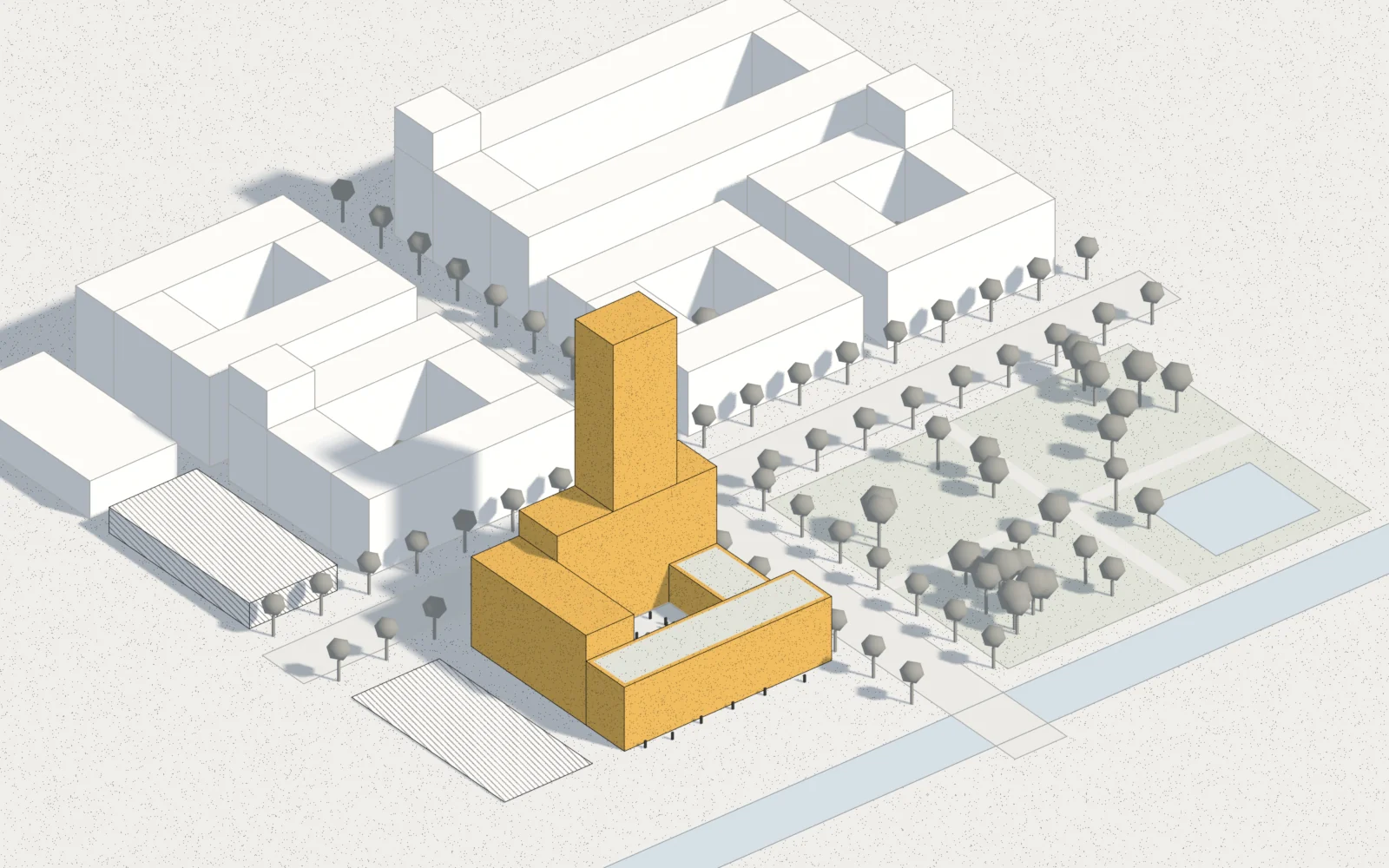
White massing, crisp shadows, one warm hero. Diagram family.
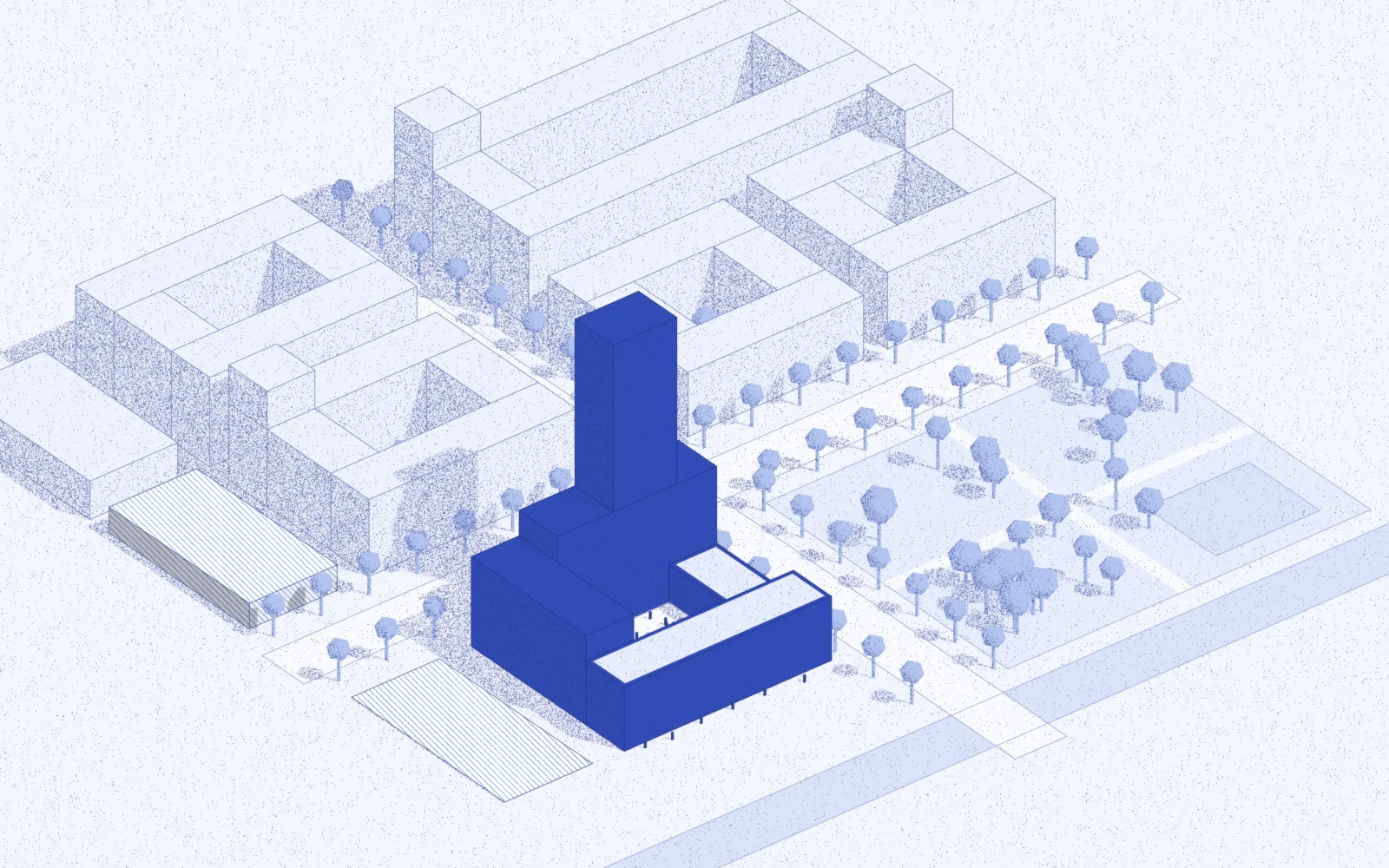
Monochrome blue with light-driven halftone dots. Diagram family.
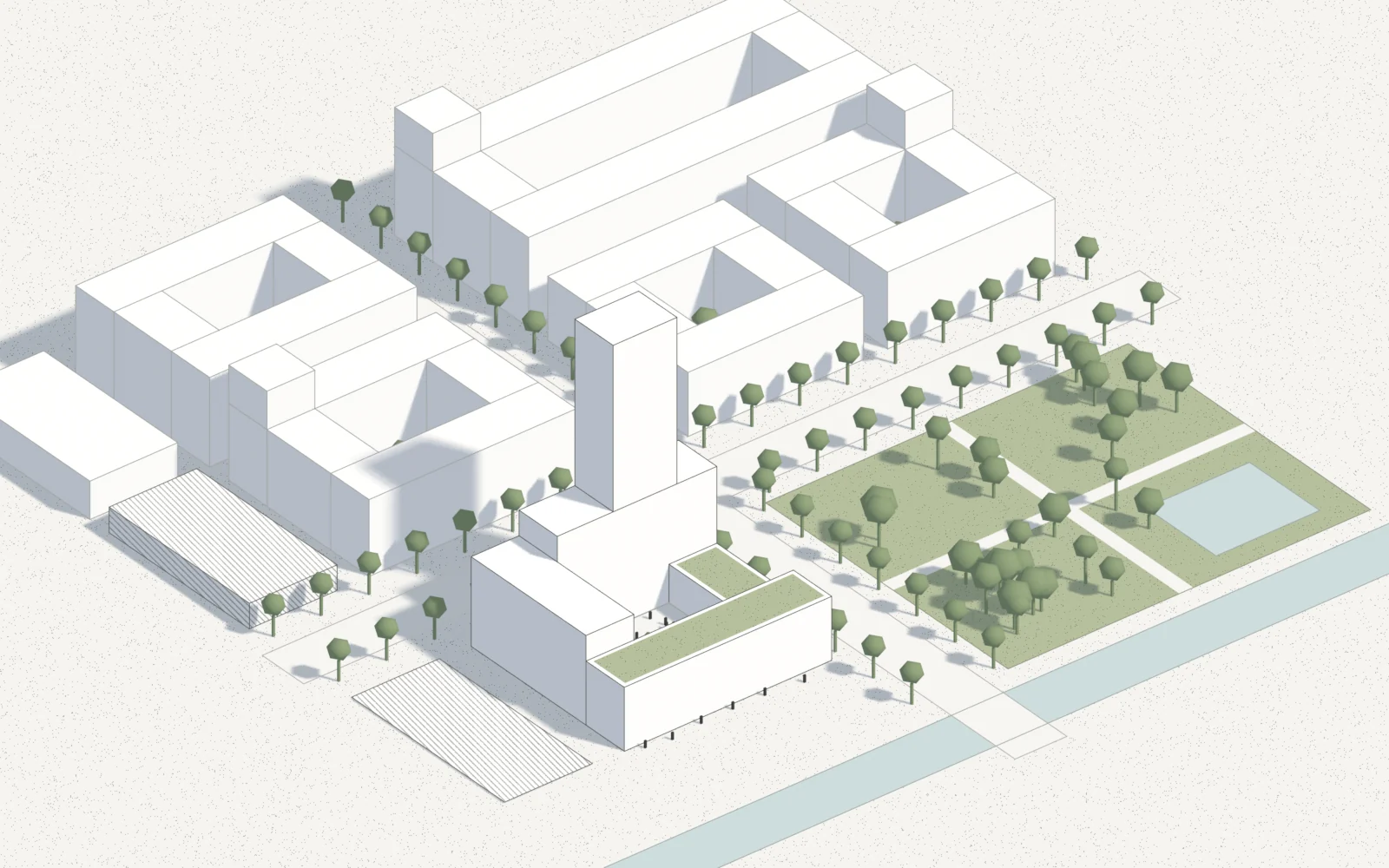
Thin grey lines, white massing, muted sage landscape. Diagram family.
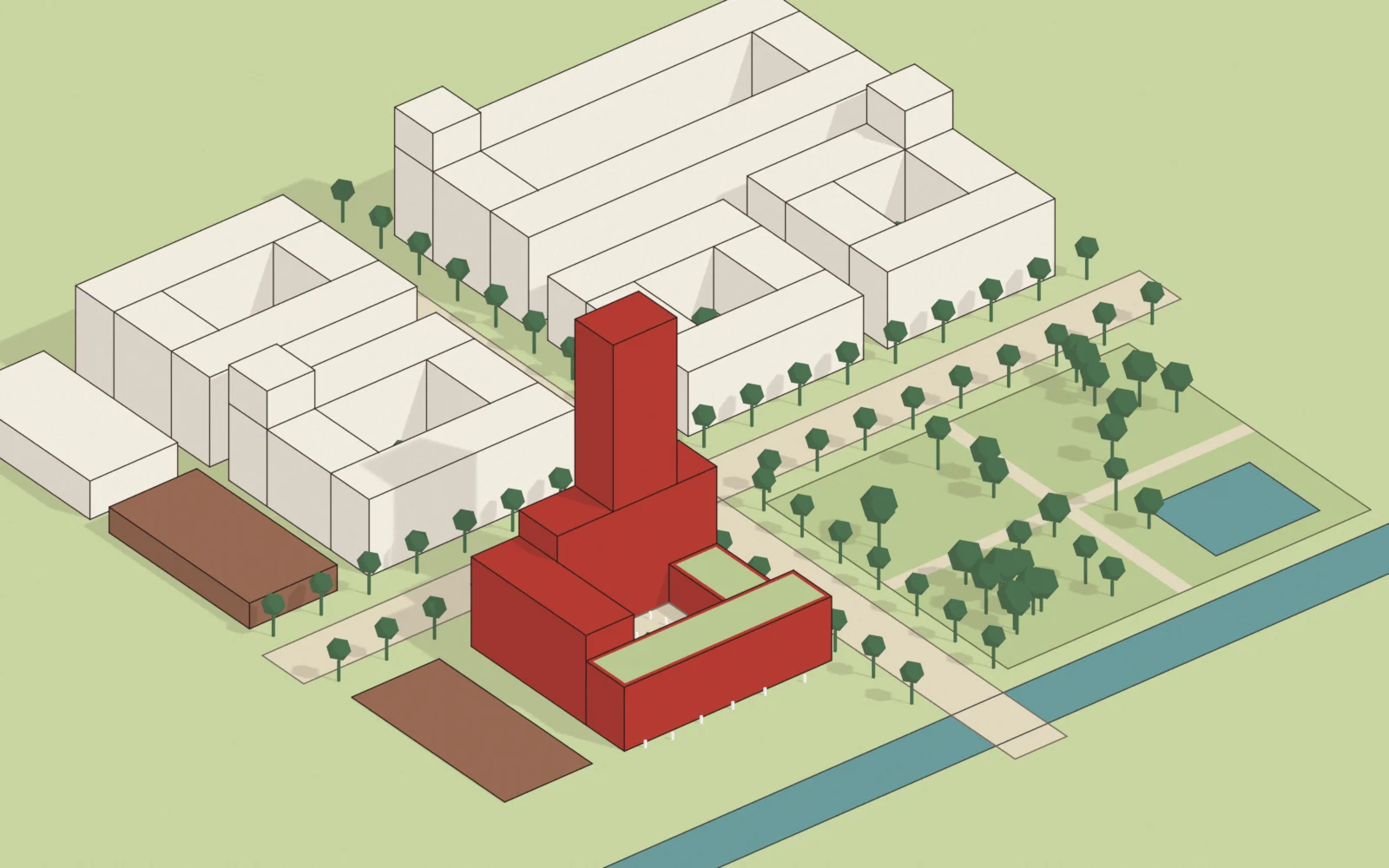
Flat three-band shading, bold ink, coloured paper ground. Illustration family.
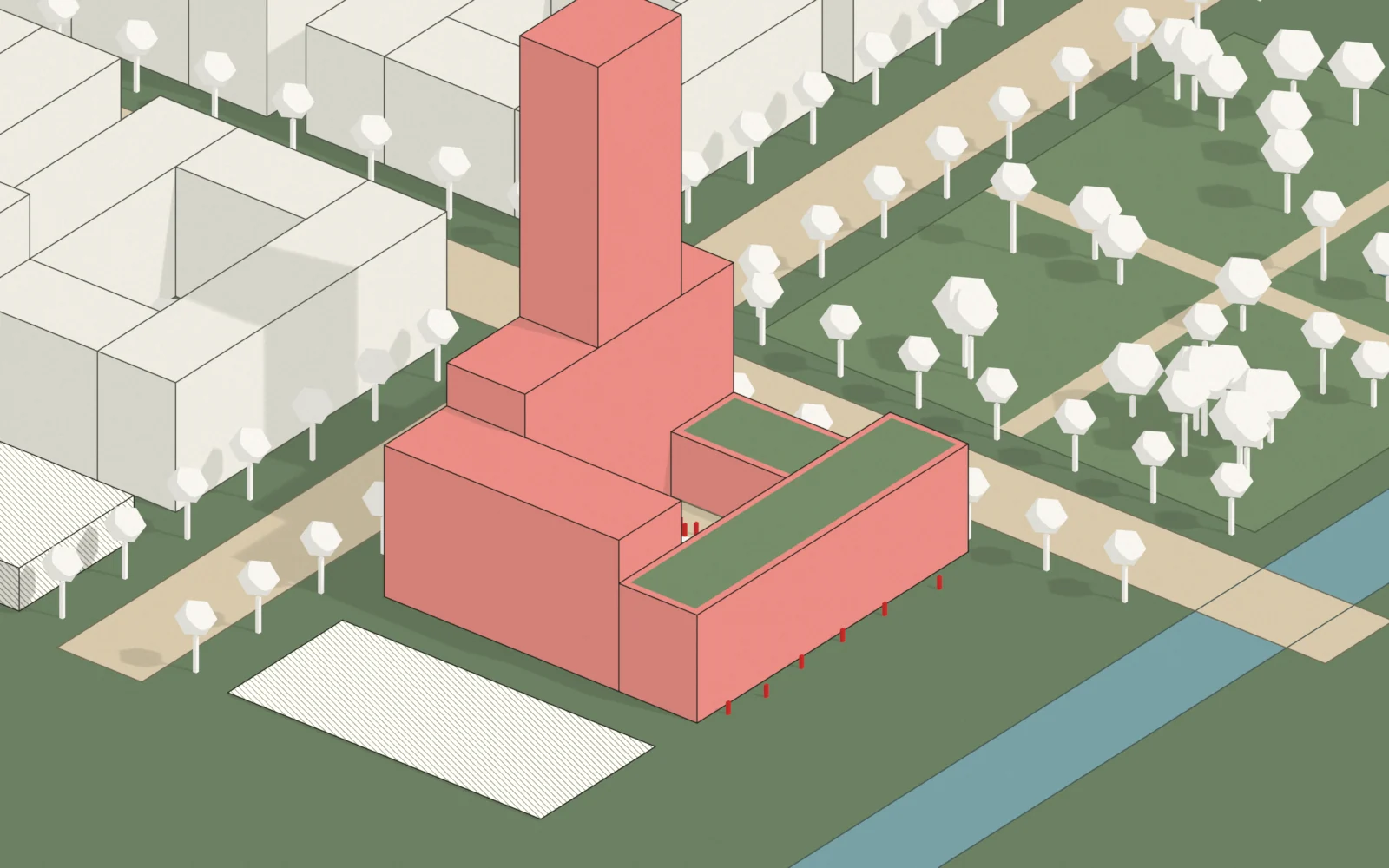
Coral hero on deep sage, white trees. Illustration family, closer view.
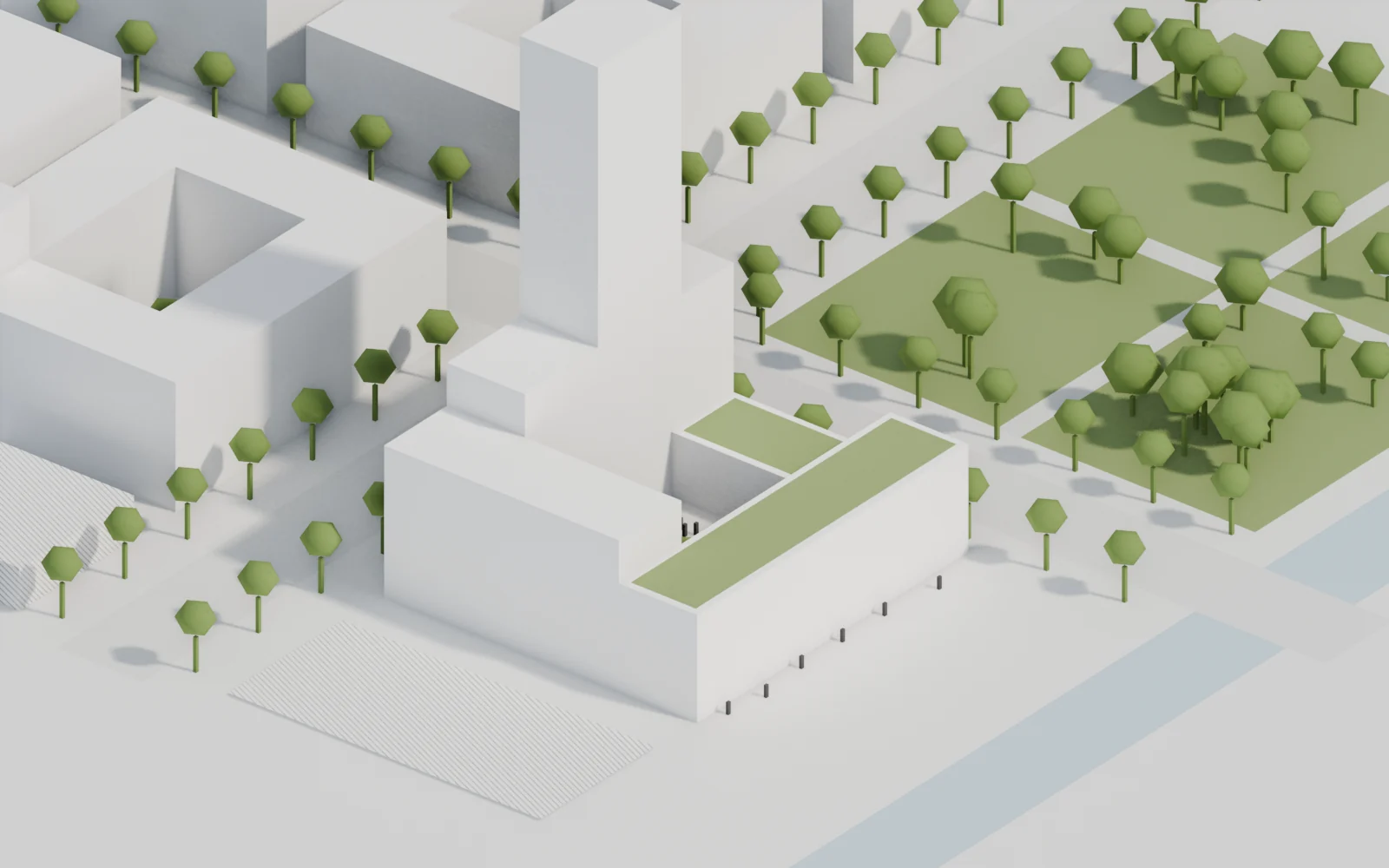
A white study model with green landscape. Model family.
Same view, two looks. Drag to compare.
Everything lives in one compact panel beside your SketchUp view, in light or dark.
Edge lines from hairline to heavy, soft daylight or crisp diagram light, shadow softness.
Override the style's pattern for each role: hatch, stipple, brick, timber, paving, grass and more.
The tags BZ Render reads, right in the panel. Names like Grass, Road or Water work too.
Massing studies and concept axonometrics where the proposal stands out from its context.
Site and masterplan diagrams with roads, water, landscape and trees in a consistent graphic language.
Planting, paving and ground textures that read clearly in plan-oblique views.
Competition-style diagrams for juries and portfolios, straight from your SketchUp model.
BZ Render 0.7 is in beta. Write to us with your SketchUp and Blender versions and we'll send you the extension (.rbz) with install notes.
Or write to support@bzeesol.com.
SketchUp 2020 or later on Windows, and Blender 4.2 or later (free, from blender.org). BZ Render finds Blender automatically, or you can point it to blender.exe.
It hasn't been tested on Mac yet. Tell us in your beta request if you need it.
Yes — Preview mode renders simple models inside the panel without Blender, in the Soft white, Material colours and Physical model looks.
No. It reads the visible geometry and writes a PNG; your SketchUp model is not edited.
Pricing for the full release will be announced at launch. Write to support@bzeesol.com about the beta.